A crypto wallet can lose thousands of dollars after its owner signs what appears to be a routine verification message. No recovery phrase was shared, no private key was stolen, and the wallet may not even show an outgoing transaction at the moment of signing.
This is how many crypto wallet drainer scams work.
Attackers create convincing websites that request dangerous token permissions or off-chain signatures. Once authorization is granted, the attacker may transfer the affected assets without asking the victim for another confirmation.
The threat has expanded rapidly. Blockchain analysis found that identified crypto drainer revenue increased nearly 170% in 2024. During Operation Atlantic in 2026, investigators identified more than 20,000 potential victims of approval phishing across the United States, Canada, and the United Kingdom.
The important distinction is between connecting a wallet, signing a message, and authorizing a transfer. These actions carry different risks.
What Is a Crypto Wallet Drainer?
A crypto wallet drainer is malicious software or a phishing system designed to obtain permission to transfer cryptocurrency from someone else’s wallet.
Unlike traditional malware that attempts to steal private keys, many drainers exploit the authorization features of decentralized applications.
The victim may believe they are claiming an airdrop, verifying wallet ownership, or connecting to a legitimate trading platform.
Instead, the interaction authorizes a malicious spender or signs a transaction that transfers assets.
Common Wallet Drainer Techniques
| Attack Method | How Funds Become Exposed |
|---|---|
| Malicious ERC-20 approval | Attacker receives permission to spend tokens |
| Permit signature | Off-chain authorization permits token spending |
| Permit2 phishing | Signature enables spending through an existing Permit2 approval |
| NFT operator approval | Contract receives permission to transfer NFTs |
| Fake transaction | User signs an actual asset transfer |
| Compromised website | Legitimate interface is replaced with malicious signing requests |
A wallet drainer can combine several techniques to target multiple assets.
However, ordinary token approvals do not automatically grant control over the wallet’s native coins or private keys.
The actual damage depends on what the victim authorized.
How Do Wallet Drainer Scams Work?
Most drainer operations rely on convincing users to approve something they don’t fully understand.
Step 1: The Victim Visits a Fake Website
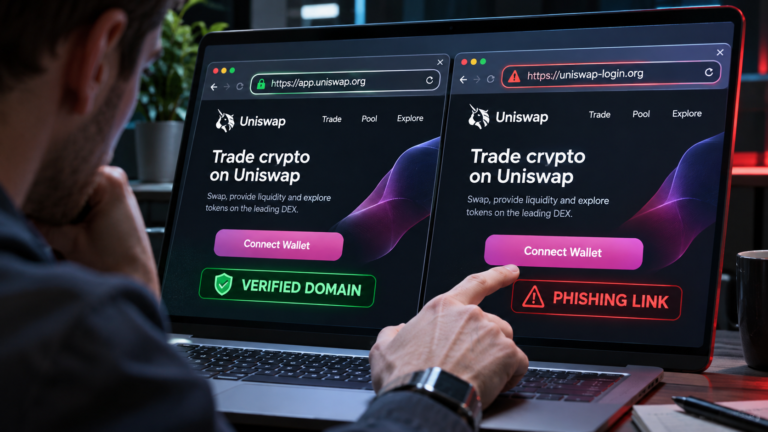
Attackers promote fraudulent pages through social media, search advertisements, compromised accounts, and messaging applications.
The page may imitate a popular DeFi platform or advertise an exclusive token distribution.
Step 2: The Website Requests a Wallet Connection
The victim selects Connect Wallet.
This initial connection generally shares the public wallet address and allows the website to request further interactions.
Connecting alone does not normally authorize the website to spend tokens.
Step 3: A Malicious Signature Is Requested
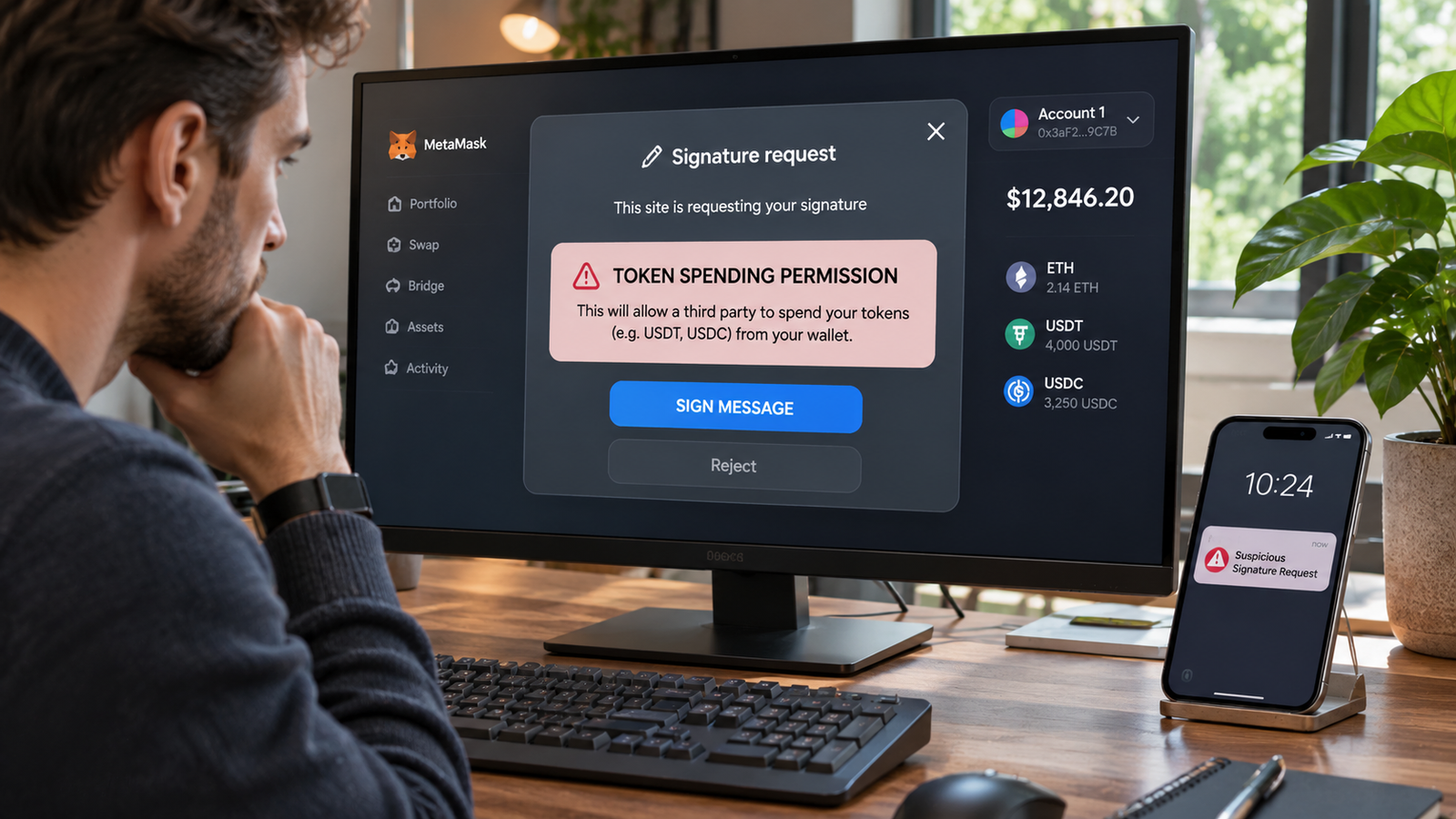
The website displays a prompt such as “Verify Ownership” or “Claim Rewards.”
The underlying request may grant token spending permission or authorize a direct transfer.
Step 4: The Attacker Uses the Authorization
If the victim approves the request, the attacker may execute the permitted operation.
Depending on the mechanism, assets could be stolen immediately or after a delay.
Step 5: Funds Are Transferred
The attacker moves the affected assets to an address under their control.
Blockchain transactions are generally irreversible once confirmed.
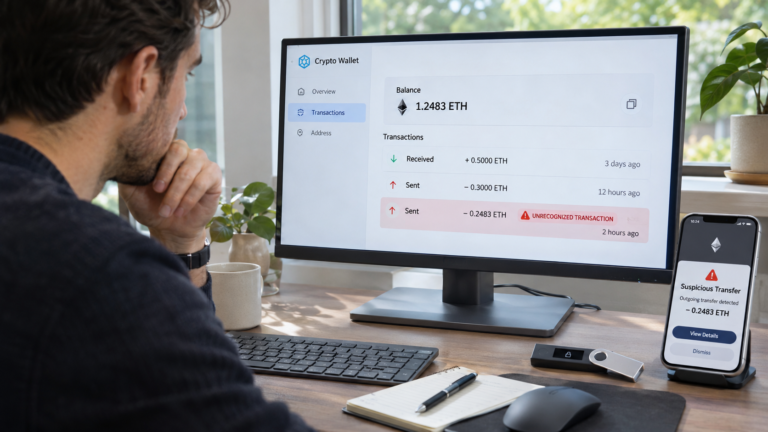
The victim may discover the theft only after checking their balance or receiving a transaction notification.
Wallet Connection vs Approval vs Signature
These interactions are frequently confused.
A wallet connection identifies the account to a decentralized application.
An approval or authorization can grant specific spending rights.
A signature proves that the wallet owner authorized particular data, but the consequences depend on exactly what was signed.
Wallet Interaction Risk Comparison
| Interaction | Typical Purpose | Potential Risk |
|---|---|---|
| Connect wallet | Share account address | Privacy and follow-up phishing |
| Sign-in message | Authenticate wallet ownership | Usually limited, but content must be checked |
| ERC-20 approval | Authorize token spending | Approved tokens can be transferred |
| Permit signature | Authorize spending off-chain | Tokens may be transferred later |
| Permit2 signature | Delegate specified token permissions | Existing approvals can be exploited |
| Direct transaction | Execute blockchain operation | Assets may move immediately |
A simple authentication signature is not inherently dangerous.
The problem arises when users sign authorization data disguised as harmless verification.
The name of the button on a website does not determine what the wallet actually authorizes.
How Malicious Wallet Signatures Can Steal Crypto
Some blockchains support signatures that authorize actions without immediately publishing a transaction.
These off-chain signatures can be useful for trading, authentication, and reducing transaction costs.
However, they also create opportunities for phishing.
A malicious website may request an authorization that looks like a routine message.
The user signs it without paying gas.
The attacker then submits that authorization through a supported smart contract.
This explains why a wallet can lose tokens despite the victim never deliberately initiating an outgoing transfer.
It also explains why reviewing only recent outgoing transactions may fail to identify the original malicious interaction.
What Is a Permit Signature?
Permit is a mechanism that allows compatible tokens to authorize spending through signed messages.
For example, EIP-2612 enables certain ERC-20 tokens to approve allowances using an off-chain signature instead of requiring the owner to submit a separate approval transaction.
This can reduce transaction complexity for legitimate applications.
But attackers can abuse the same functionality.
Imagine a wallet holding 5,000 USDT.
A phishing page requests a Permit signature that authorizes a malicious spender to access the tokens.
The user believes the request merely confirms wallet ownership.
Once the signature is submitted and validated, the spender may transfer tokens within the authorized allowance.
Illustrative Permit Attack
| Stage | Wallet Situation |
|---|---|
| Initial balance | 5,000 USDT |
| Fake verification request | User signs spending authorization |
| Immediate wallet balance | Still 5,000 USDT |
| Attacker submits authorization | Spending permission becomes usable |
| Attacker transfers funds | Up to authorized amount at risk |
This is an educational example, not an actual blockchain transaction.
Permit signatures generally include conditions such as deadlines and nonces that affect their validity.
They do not remain universally valid forever.
Permit2 Explained: Why It Creates Additional Risks
Permit2 is an authorization system developed by Uniswap.
It enables flexible token spending through signatures, including for tokens that do not natively support EIP-2612.
A user first grants the Permit2 contract an ordinary token allowance.
Later, supported applications can request signatures that authorize particular spending operations through Permit2.
This can simplify legitimate DeFi transactions.
Unfortunately, it also creates another phishing opportunity.
If a user has an active token approval to Permit2, a malicious Permit2 signature may authorize an attacker to use part of that allowance.
Permit vs Permit2
| Feature | EIP-2612 Permit | Permit2 |
|---|---|---|
| Token support | Requires compatible token implementation | Supports many ERC-20 tokens |
| Off-chain signatures | Yes | Yes |
| Prior approval to Permit2 required | No | Generally yes |
| Supports authorization expiry | Yes | Yes |
| Can be abused through phishing | Yes | Yes |
| Automatically reveals private key | No | No |
Permit2 itself is legitimate infrastructure.
The risk comes from signing malicious authorizations, overly broad permissions, or interactions with fraudulent websites.
The amount an attacker can transfer depends on the applicable approvals, signature parameters, and contract rules.
Fake Verification: The Most Common Warning Signs
A malicious request often appears during an activity that should not require token spending permission.
For example, a website may ask for unlimited USDT access merely to verify that the user owns a wallet.
That mismatch is a strong warning sign.
Wallet Drainer Red Flags
| Warning Sign | Why It Is Suspicious |
|---|---|
| “Verify wallet” asks for unlimited spending | Verification normally doesn’t require token access |
| Unexpected Permit2 request | May authorize future transfers |
| Unknown spender address | Recipient of permission is unverified |
| Urgent airdrop countdown | Creates pressure to act quickly |
| Website imitates a familiar brand | Possible phishing |
| Repeated signing requests | May target multiple assets |
| Wallet simulation shows outgoing assets | Possible direct theft |
| Signature details cannot be understood | Authorization cannot be safely assessed |
Legitimate applications can request approvals, but the requested amount and spender should match the intended operation.
A request to authorize unlimited tokens for a simple login should be rejected.
How Much Damage Can a Wallet Drainer Cause?
Consider a hypothetical wallet containing:
| Asset | Wallet Value |
|---|---|
| USDT | $4,000 |
| USDC | $2,500 |
| ETH | $1,500 |
| NFTs | $2,000 |
| Total | $10,000 |
Suppose the victim signs a malicious authorization covering only 4,000 USDT.
That does not automatically give the attacker access to the remaining $6,000.
However, additional approvals, NFT operator permissions, or signatures may expose more assets.
The loss can therefore range from one token allowance to most of the wallet’s holdings.
A drainer capable of exploiting several existing permissions may cause substantial damage through relatively few transactions.
The total wallet balance alone does not determine the amount at risk.
What to Do After Signing a Suspicious Wallet Message
If you suspect a crypto signature scam, avoid further interaction with the website.
Next, determine which wallet, blockchain, token, and authorization were involved.
Emergency Response Checklist
- Stop using the suspicious website.
- Inspect recent transactions and token approvals.
- Check applicable Permit and Permit2 permissions.
- Revoke suspicious allowances using a verified tool.
- Consider moving exposed assets to a fresh wallet if the scope is uncertain.
- Preserve transaction hashes and relevant evidence.
- Check other networks used by the same account.
Revoke.cash and supported blockchain explorers can help inspect on-chain approvals.
Revocations require an on-chain transaction and normally incur gas fees.
For ERC-20 tokens, revoking usually means reducing the approved allowance to zero.
With Permit2, the appropriate response may involve invalidating a specific permission, nonce, or underlying token allowance, depending on the authorization.
Simply disconnecting the wallet from the website does not cancel existing on-chain permissions.
If a seed phrase or private key was exposed, revoking approvals is insufficient. A new wallet with fresh keys is necessary.
Can a Malicious Signature Be Canceled?
Sometimes, but not through one universal method.
An ordinary ERC-20 allowance can generally be revoked on-chain.
A Permit2 authorization may be invalidated through supported nonce or allowance-management mechanisms.
A signed direct transaction, once executed and confirmed, usually cannot be reversed.
Likewise, revoking access does not recover assets that have already been stolen.
The correct response depends on the exact signature and whether it has already been used.
Because off-chain signatures may not appear in transaction history until execution, users should not assume their wallet is safe simply because nothing has happened yet.
How to Protect Your Wallet From Drainers
Use a separate wallet for unfamiliar decentralized applications instead of exposing your primary holdings.
Keep long-term assets in an account that rarely signs smart contract interactions.
Verify website addresses independently and use bookmarks for applications you trust.
Before approving a request, inspect the spender, token, allowance, expiration, and transaction simulation when available.
Prefer limited token allowances when the application supports them.
Periodically revoke permissions no longer required.
A hardware wallet offers valuable protection against private-key extraction, but it cannot automatically prevent theft if the owner confirms a malicious authorization on the device.
The most effective defense is verifying what a signature authorizes before signing it.
Frequently Asked Questions
What is a crypto wallet drainer?
A wallet drainer is a malicious phishing system designed to obtain token spending permissions, dangerous signatures, or direct transfer authorizations that allow attackers to steal cryptocurrency.
Can a wallet drainer steal funds without a seed phrase?
Yes. Token approvals and certain signatures can authorize asset transfers without exposing the wallet’s private keys.
Is connecting a wallet to a website dangerous?
Connecting alone generally doesn’t grant spending permissions. The risk increases when a website requests malicious signatures or transactions.
Can signing a message drain a crypto wallet?
Yes, if the message authorizes a valid spending operation, such as certain Permit, Permit2, or marketplace orders. Ordinary authentication signatures don’t automatically grant token access.
Is Permit2 a scam?
No. Permit2 is legitimate authorization infrastructure developed by Uniswap. Attackers can abuse malicious signatures involving it.
Does disconnecting MetaMask revoke approvals?
No. Disconnecting a website does not cancel existing token allowances or other on-chain authorizations.
Can Revoke.cash recover stolen funds?
No. It helps manage permissions and prevent further misuse, but cannot reverse completed thefts.
Should I create a new wallet after a drainer attack?
A new wallet is necessary if your recovery phrase or private key is compromised. For approval-based attacks, revocation may be sufficient if the affected permissions can be fully identified and disabled.
Can a hardware wallet stop malicious signatures?
It can help users verify transaction details and protect private keys, but it cannot prevent users from voluntarily approving dangerous permissions.