If you sent or received BTC and it still does not appear in your wallet, don’t panic. In many cases, the coins are not lost — the issue is usually related to wallet synchronization, the wrong network, delayed broadcast, or a balance display problem.
A missing bitcoin transaction can look alarming, especially if a sender insists the payment was made or your exchange shows the withdrawal as completed. But before assuming the worst, there are several technical checks you can do.
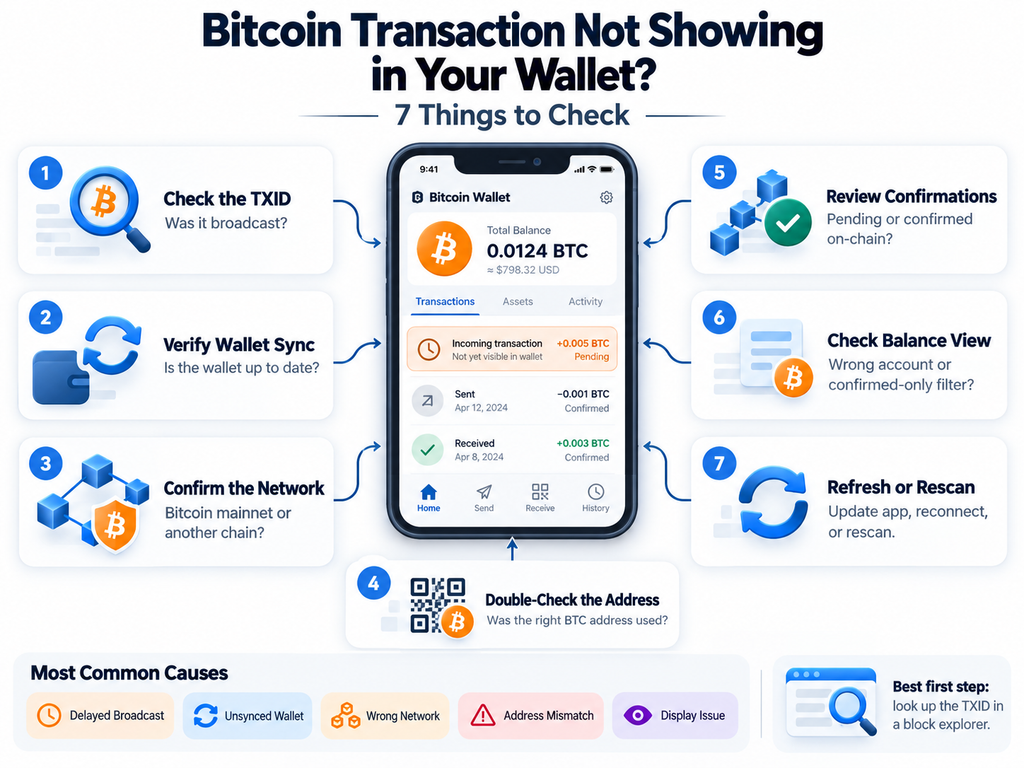
This guide explains 7 things to check when Bitcoin is sent but not showing, and how to figure out whether the problem is in the blockchain, the wallet, or the sending platform.
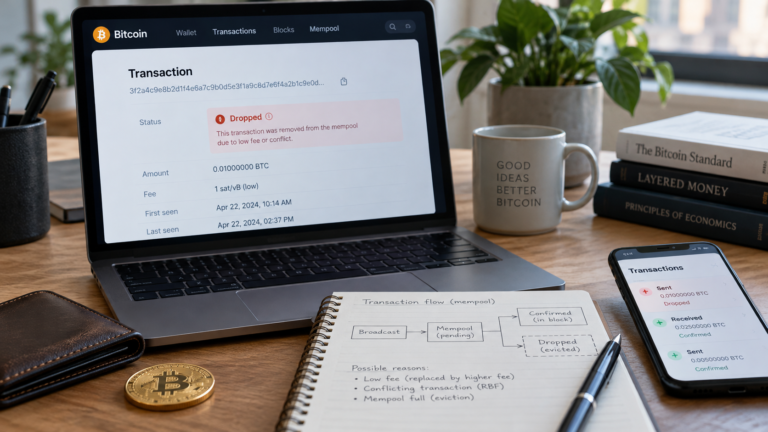
An unconfirmed transaction may also disappear from individual Bitcoin nodes. Our guide to Bitcoin mempool eviction explains why this happens and what it means for your funds.
1) Check Whether the Transaction Was Actually Broadcast
The first question is simple: was the Bitcoin transaction really sent to the network?
Sometimes a wallet or exchange shows a transfer as “processing,” “pending,” or even “sent,” while the transaction has not yet been broadcast to the Bitcoin network.
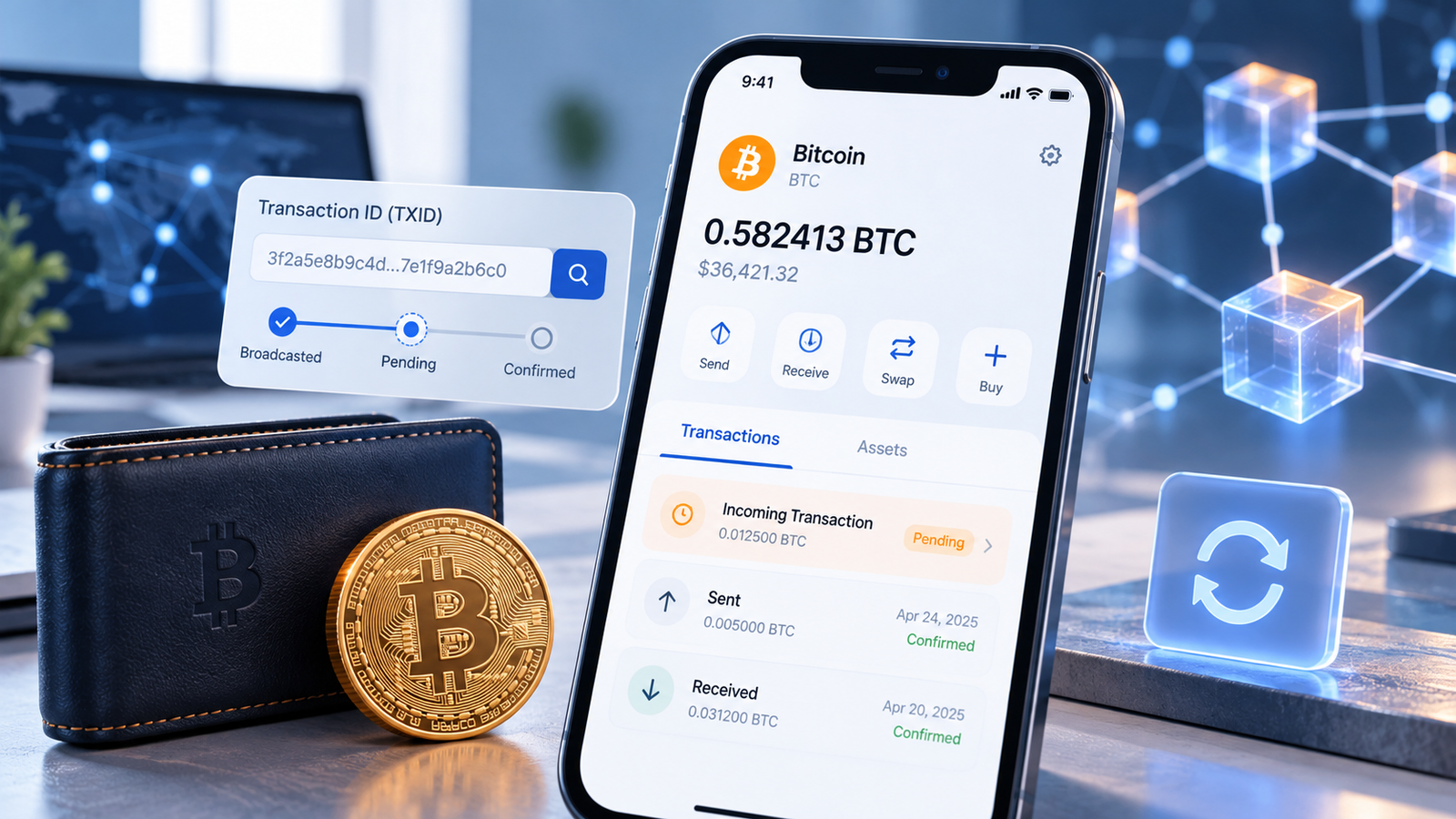
Ask for or locate the TXID (transaction ID). This is the unique identifier for the transaction. Then paste it into a Bitcoin block explorer such as Mempool.space or Blockstream Explorer.
Here’s what you may find:
- TXID found and unconfirmed: the transaction exists but is waiting for confirmation.
- TXID found and confirmed: the Bitcoin is on-chain, and the issue is likely wallet display or confirmation requirements.
- TXID not found: the transaction may not have been broadcast, the TXID may be incorrect, or the transaction may have been dropped from the explorer’s mempool. A missing TXID in one block explorer does not necessarily mean the transaction was never broadcast.
If there is no TXID at all, and the payment came from an exchange or custodial service, the issue is usually on the sender’s side.
2) Make Sure Your Wallet Is Fully Synced
One of the most common reasons a Bitcoin transaction is not showing in your wallet is incomplete synchronization.
Some wallets, especially mobile, desktop, or self-custody wallets, need time to sync with the blockchain. If the wallet is behind, it may show an outdated balance or fail to display recent transactions.
Check for signs such as:
- a syncing spinner or “updating” message,
- block height that is lower than the current Bitcoin block height,
- delayed balance refresh,
- transaction history not updating.
This is especially important for:
- newly installed wallets,
- wallets restored from seed phrase,
- wallets reopened after a long period offline,
- wallets connected to a slow or unstable internet connection.
If your wallet is not fully synced, let it finish first. In many cases, the “missing” transaction appears automatically once synchronization completes.
3) Confirm You’re Using the Correct Network
Another common problem is confusion between networks.
Bitcoin wallets and exchanges may support:
- Bitcoin mainnet
- testnet
- wrapped or tokenized BTC on other chains
- BTC representations on networks like Ethereum, BNB Chain, or others
If someone says they sent you BTC, verify that they actually sent real Bitcoin on the Bitcoin network, not a tokenized version on another blockchain.
For example, a user may send an asset labeled “BTC” through a non-Bitcoin network. If your wallet only supports native Bitcoin, the funds will not show there.
Also verify whether:
- the sending platform used the Bitcoin network,
- your receiving wallet supports that exact asset and network,
- you are checking the correct wallet account.
A lot of “bitcoin sent but not showing” cases are really wrong network cases.
If funds were sent through an unsupported network, recovery depends on the receiving platform, the asset, and access to the relevant private keys. Some exchanges, including Coinbase, offer asset recovery services for eligible assets and networks, but successful recovery is not guaranteed.
4) Double-Check the Receiving Address
Next, confirm that the transaction was sent to the correct Bitcoin address.
Compare:
- the address you gave the sender,
- the address shown in the transaction details,
- the address generated by your wallet.
Even a small mismatch means the funds may have gone elsewhere.
What to verify:
- Did you copy the address correctly?
- Did the sender paste the correct address?
- Was the QR code scanned correctly?
- Are you checking the wallet that controls that exact address?
If the address in the blockchain record is not yours, the issue is not wallet sync — it is a sending mistake.
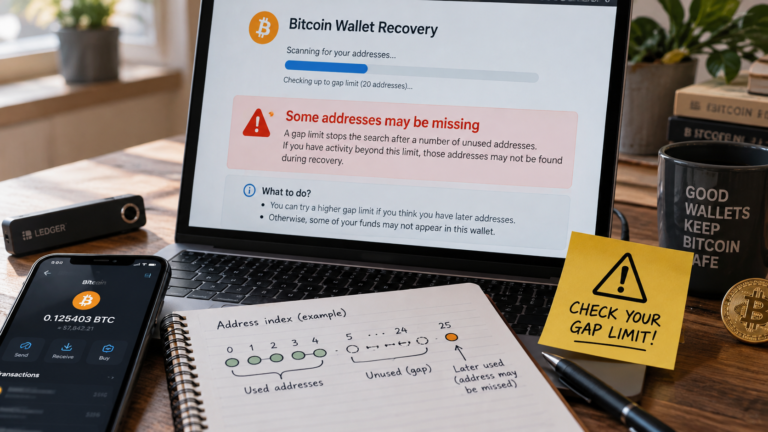
If the address is yours but the transaction still does not appear in the wallet, the problem is more likely related to sync, wallet derivation path, imported account mismatch, or balance refresh.
5) Check the TXID and Confirmation Status
A wallet may not show the incoming Bitcoin yet because the transaction is still unconfirmed or has too few confirmations.
Some wallets display zero-confirmation transactions immediately. Others are more conservative and wait for one or more confirmations before showing them clearly in the main balance.
Look at the TXID in a block explorer and check:
- confirmation count,
- fee rate,
- whether the transaction is still pending,
- whether it has been replaced,
- whether it depends on an unconfirmed parent transaction.
If the transaction is confirmed on-chain but still not visible in your wallet, the wallet is likely not reading or displaying the data correctly.
If it is unconfirmed, then the issue may simply be timing.
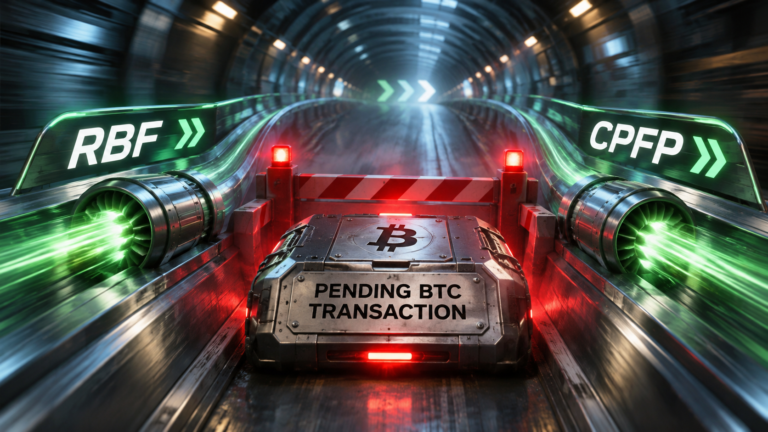
If the transaction remains unconfirmed for an unusually long time, read our guide on what to do when a Bitcoin transaction is stuck for days, including fee-bumping options such as RBF and CPFP.
6) Verify the Wallet Balance View and Account Type
Some users think their BTC is missing when the wallet is actually showing the wrong account, address type, or balance mode.
Modern Bitcoin wallets may separate funds into:
- different accounts,
- SegWit vs. legacy address groups,
- watch-only vs. spendable balances,
- confirmed vs. total balances.
A restored wallet can also show a mismatch if:
- the wrong derivation path was used,
- the wrong account index was restored,
- only part of the wallet was imported,
- the wallet software differs from the original one.
Check these items:
- Are you viewing the right wallet account?
- Is the balance filtered to “confirmed only”?
- Are you using the same wallet standard as before?
- Is the wallet watch-only, and therefore limited in what it displays?
A missing bitcoin transaction is sometimes just a display issue.
7) Refresh, Rescan, or Reconnect the Wallet
If the blockchain shows that the transaction exists and the receiving address is correct, but your wallet still doesn’t show it, try a technical refresh.
Depending on the wallet, this may include:
- manually refreshing the wallet,
- reconnecting to the internet,
- rescanning the blockchain,
- reconnecting to a server/node,
- updating the wallet app,
- restarting the wallet,
- restoring from seed phrase in the same compatible wallet.
Be careful: restoring a wallet should be done only if you fully understand the process and have safely backed up your recovery phrase.
For advanced users, node connection issues may also matter. If your wallet depends on a server or your own node, a broken backend connection can prevent transactions from appearing correctly even when the blockchain itself is fine.
Never enter your recovery phrase or private keys into a block explorer, recovery website, or online verification form. Always follow your wallet manufacturer’s official wallet recovery instructions. Do not reset your existing wallet until you have verified that your backup is valid.
Quick Diagnostic Table
| Problem | What It Usually Means | What to Do |
|---|---|---|
| TXID not found | Transaction may not be broadcast | Ask sender/exchange to verify broadcast |
| Wallet not synced | Wallet is behind blockchain state | Wait for full sync |
| Wrong network used | BTC sent on unsupported chain | Confirm network and asset type |
| Address mismatch | Funds were sent elsewhere | Recheck transaction details |
| Unconfirmed TX | Transaction still pending | Wait or monitor confirmations |
| Wrong wallet/account view | Display or account mismatch | Check account type and balance settings |
| Transaction confirmed but invisible | Wallet refresh/backend problem | Rescan, refresh, update wallet |
When the Problem Is on the Sender’s Side
Sometimes the receiving wallet is not the problem at all.
This is common when:
- an exchange says the withdrawal is “processing,”
- the sender provides no TXID,
- the transaction exists only inside the sender’s app,
- the sender selected the wrong network.
If you are waiting for BTC from another person or platform, ask them for:
- the TXID,
- the exact amount,
- the receiving address used,
- the network used.
Without that information, it is impossible to properly diagnose why Bitcoin is not showing.
When to Worry
Most missing-transaction cases are not permanent loss. Usually, the issue is:
- delayed broadcast,
- wallet sync lag,
- network mismatch,
- unconfirmed transaction,
- display inconsistency.
You should be more concerned if:
- the blockchain shows the coins went to a different address,
- the sender used the wrong network and recovery is not supported,
- you restored the wrong wallet and cannot locate the correct account,
- the sending platform cannot provide any TXID or proof of broadcast.
Final Thoughts
If your Bitcoin transaction is not showing in your wallet, start with the basics: check the TXID, confirm the receiving address, and make sure the wallet is fully synced.
In many cases, bitcoin sent but not showing does not mean the funds are gone. It usually means the transaction is either not yet broadcast, still unconfirmed, sent on the wrong network, or not being displayed correctly by the wallet.
The best troubleshooting order is:
- Check for a TXID
- Verify it in a block explorer
- Confirm the receiving address
- Check wallet sync
- Confirm the correct network
- Review account and balance display
- Refresh or rescan the wallet
Follow these steps, and you can usually identify whether the issue is a real blockchain problem or just a wallet-side display issue.